ginko.luclu7.fr
Ginko is the name of the public transportation network of the Besançon metropolitan area. As an exercise, I decided to recreate a web application (mobile-first) to view the schedules of buses and trams on this network.
It is available at ginko.luclu7.fr.
Technologies used
I used the Next.js v14 framework to develop this application. Next.js is a framework based on React, which facilitates the creation of web applications. This project uses the new App Router, with React Server Components. This allows calling the Ginko API directly from the server, and not exposing the API key on the client side.
For styling, I also used Tailwind CSS for the application design.
Implementation
Suspense
I was able to discover Suspense, React's mechanism for handling asynchronous loading. This allowed me to display a loading screen (a skeleton) while data is loading.
Data fetching
Data fetching is often a delicate subject.
In Next.js, in a server component, the fetch function is slightly different from the base one: it integrates a cache. It allows you to configure data expiration, and reload it if necessary.
For example, here, I retrieve data, and cache it for 30 seconds:
fetch(`https://api/endpoint`, {next: {revalidate: 30}})If a new call on the same endpoint is made, and 30 seconds have elapsed since the last call, the data is reloaded and the API is called again. This allows not to overload the API, and it simplifies data management.
Another alternative would have been to use a Store with Redux, but it would have been more complex to set up. However, Redux Query, once set up, is very simple and pleasant to use.
Static and dynamic pages
Next.js offers three different types of pages:
- Static pages (SSG), generated at site build time and cached
- Fully dynamic pages (SSR), generated at each call
- Hybrid pages (ISR)
This last case is the most interesting: for a page whose content only changes every 24 hours for example, we can generate it statically, and cache it. This allows not to overload the server, and not to wait for data loading. This is called Incremental Static Regeneration, ISR.
In this application, I used all three types of pages, for the different parts of the application. Next.js automatically chooses the best type of page to use.
There are four hybrid pages in this application:
- The home page, which displays lines with a disruption
- The lines page, which displays lines (and their status)
- The fares page, which displays the fares of different subscriptions and tickets (refreshed every 24 hours)
For example, the schedule page of a stop is not cached, because it is called very frequently, and the data changes often. The number of stops is also very high, and it is not possible to cache them.
Automatic dark theme
I also added an automatic dark theme, which adapts to the user's preference.
Thanks to Tailwind CSS, you just need to add the dark: prefix to a class for it to only apply in dark theme. For example, dark:bg-slate-900. This allows managing the dark theme easily.
This code therefore only applies if the dark theme is activated by the browser.
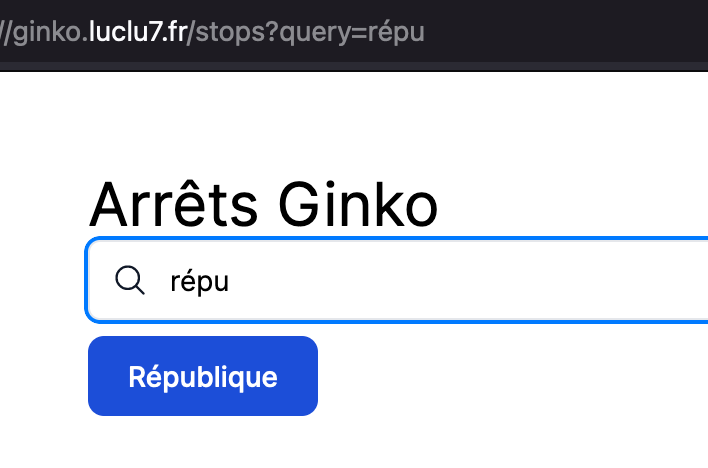
Search in the stop list
A very simple thing to implement in a client web application is search: you just need to filter the data according to the user's search.
However, the stop list is a server component. It is therefore not possible to perform a client-side search, because the data is not available. I therefore had to implement a server-side search, by passing the search in the URL parameter.
Hosting
The application is hosted in Vercel's PaaS cloud, which is the creator of Next.js. It would have been totally possible to host it myself, but this allows me to try Vercel, and see what it's like.
With each commit published on GitHub, Vercel rebuilds the application, and deploys it automatically. This allows not having to manage deployments manually, and not having to manage a server.
Conclusion
This project allowed me to discover Next.js, and to see how it is possible to create modern web applications, with recent technologies. I already knew Tailwind but this project was a very good exercise to master it further.
Next steps
I plan to add a favorites feature, which will allow saving stops to find them more easily. I have the choice between using Local Storage, or a database on the server side. I also have the idea of adding PWA support, to allow installing the application on the phone.
Screenshots
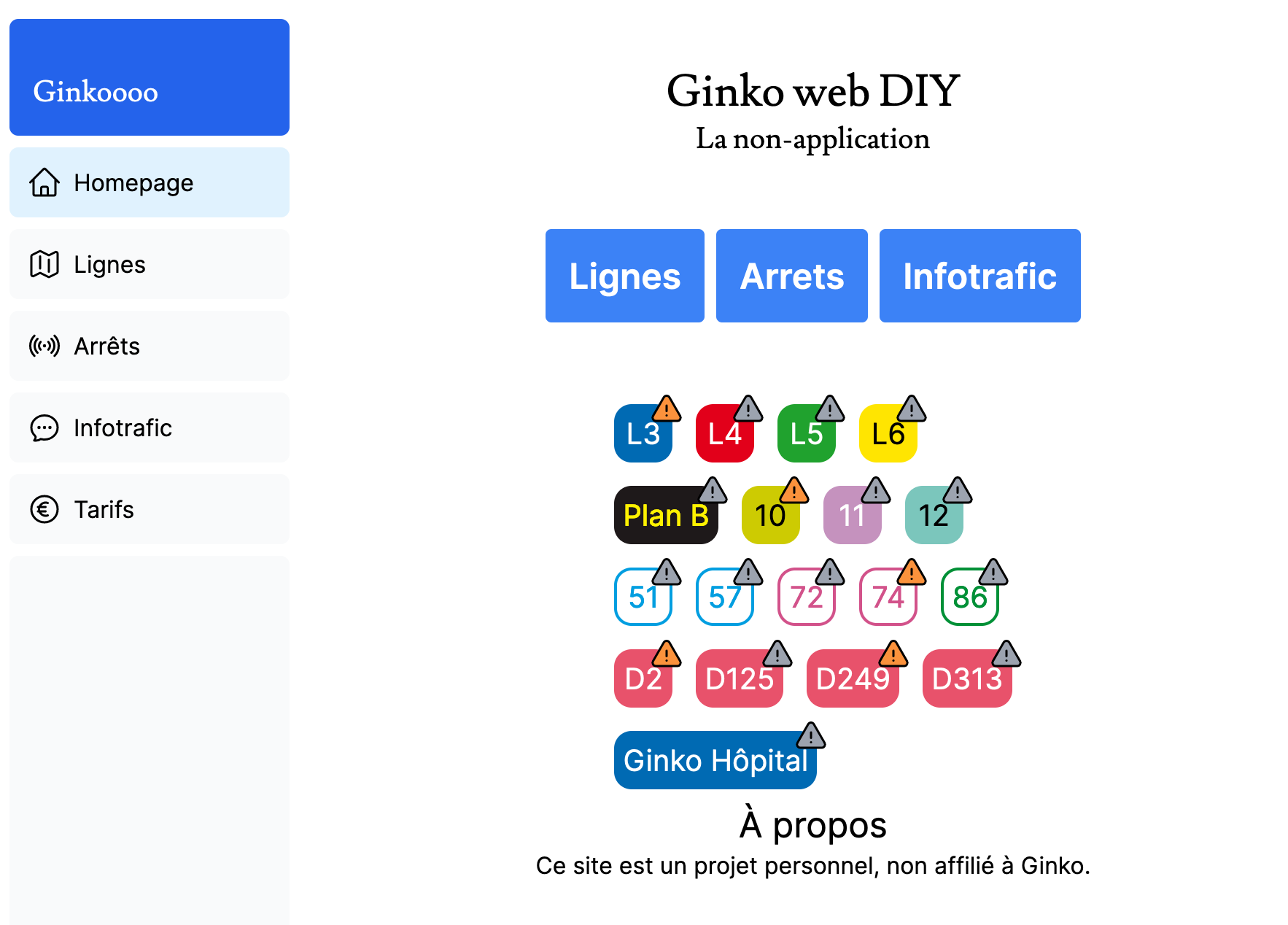 Homepage
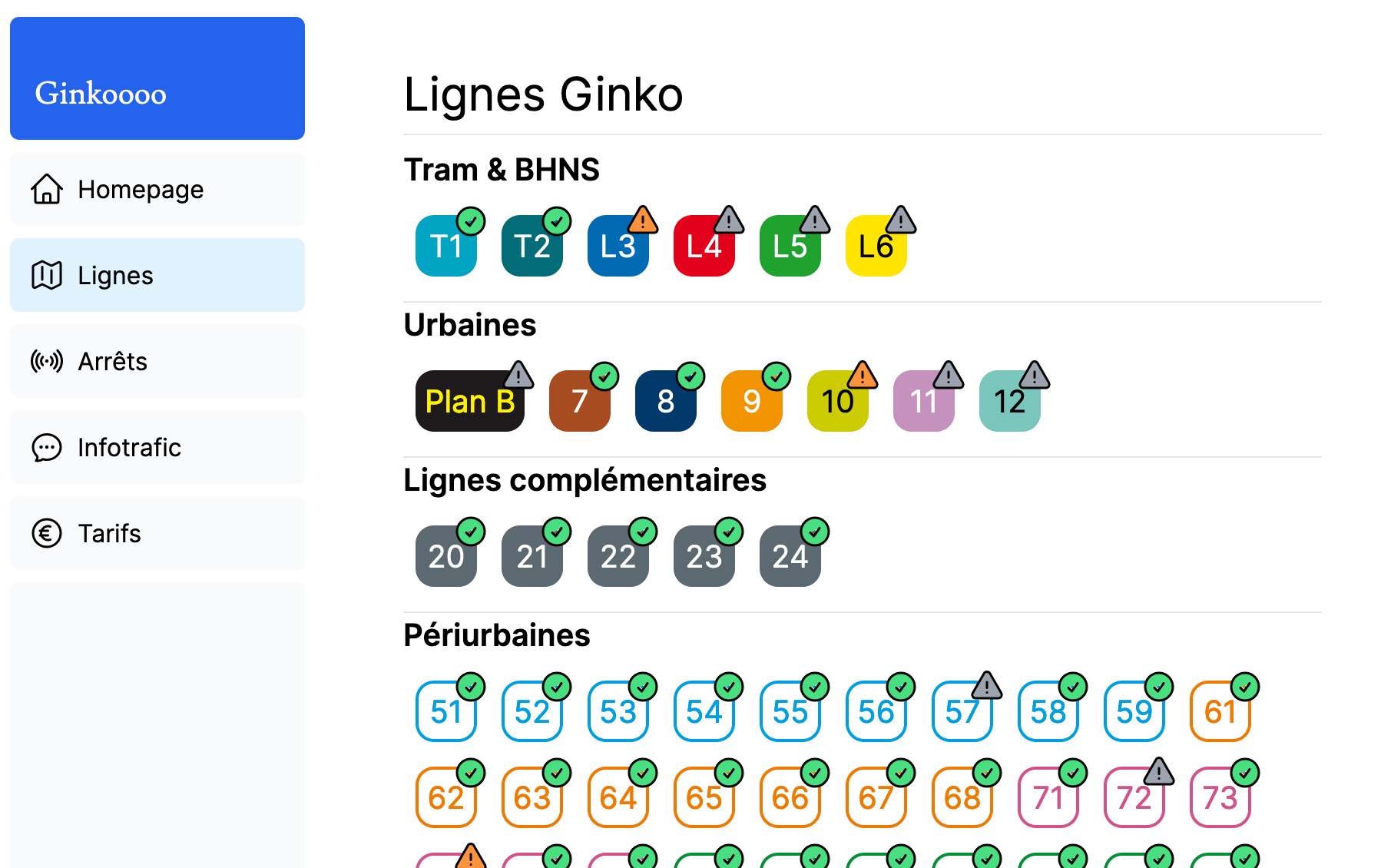 List of lines, with their status (normal, disrupted, etc.)
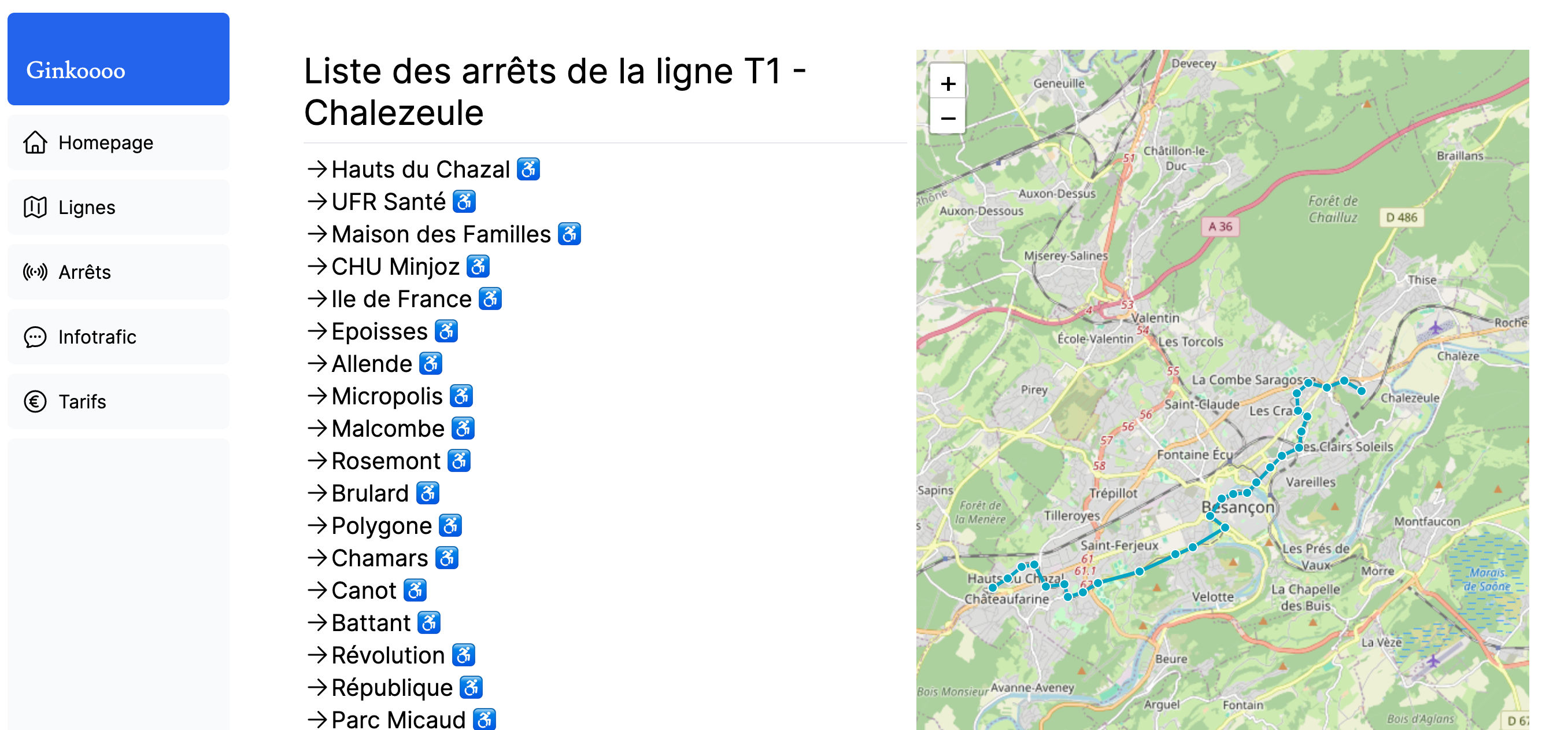 Detail of a line, with the stops served and a map
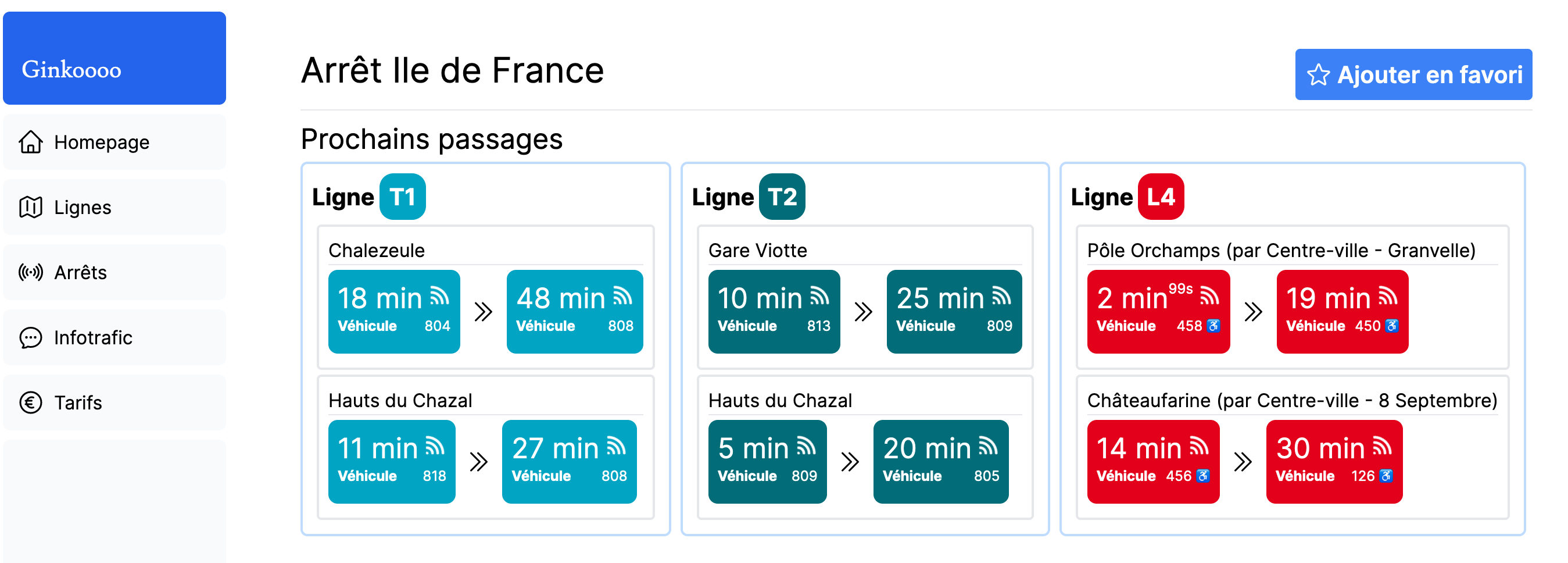 Schedule of a stop, with the next passages